Zynga Poker
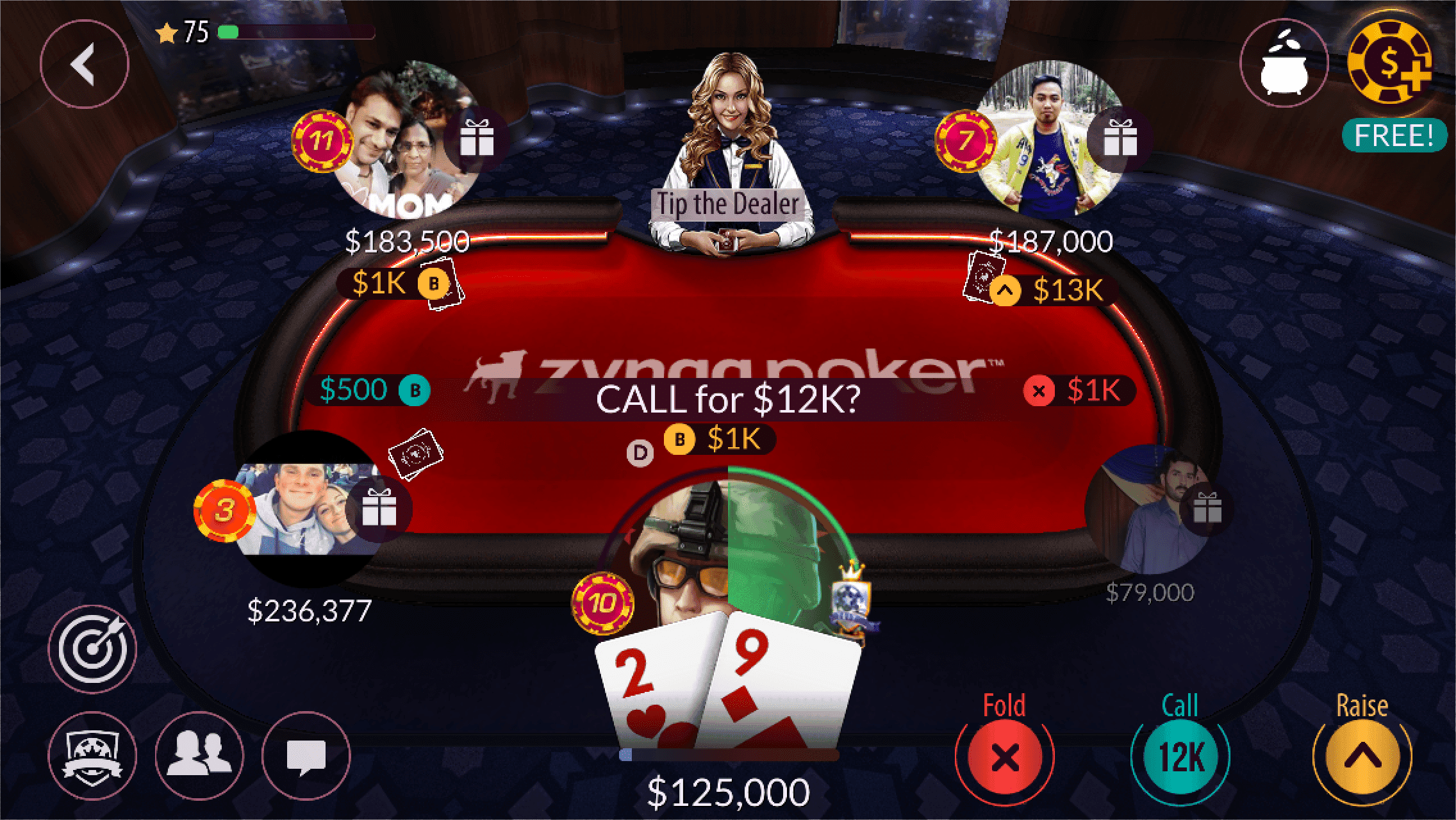
Four features from a live social poker game, designed during its move from native iOS to Unity.
- Employer
- Zynga
- Role
- Principal Designer
- Team
- Pods of 5 to 8
- Scope
- Feature design, mentorship
- Year
- 2020
Summary
- Context
- A social poker game, during its move from native iOS to Unity.
- Shown here
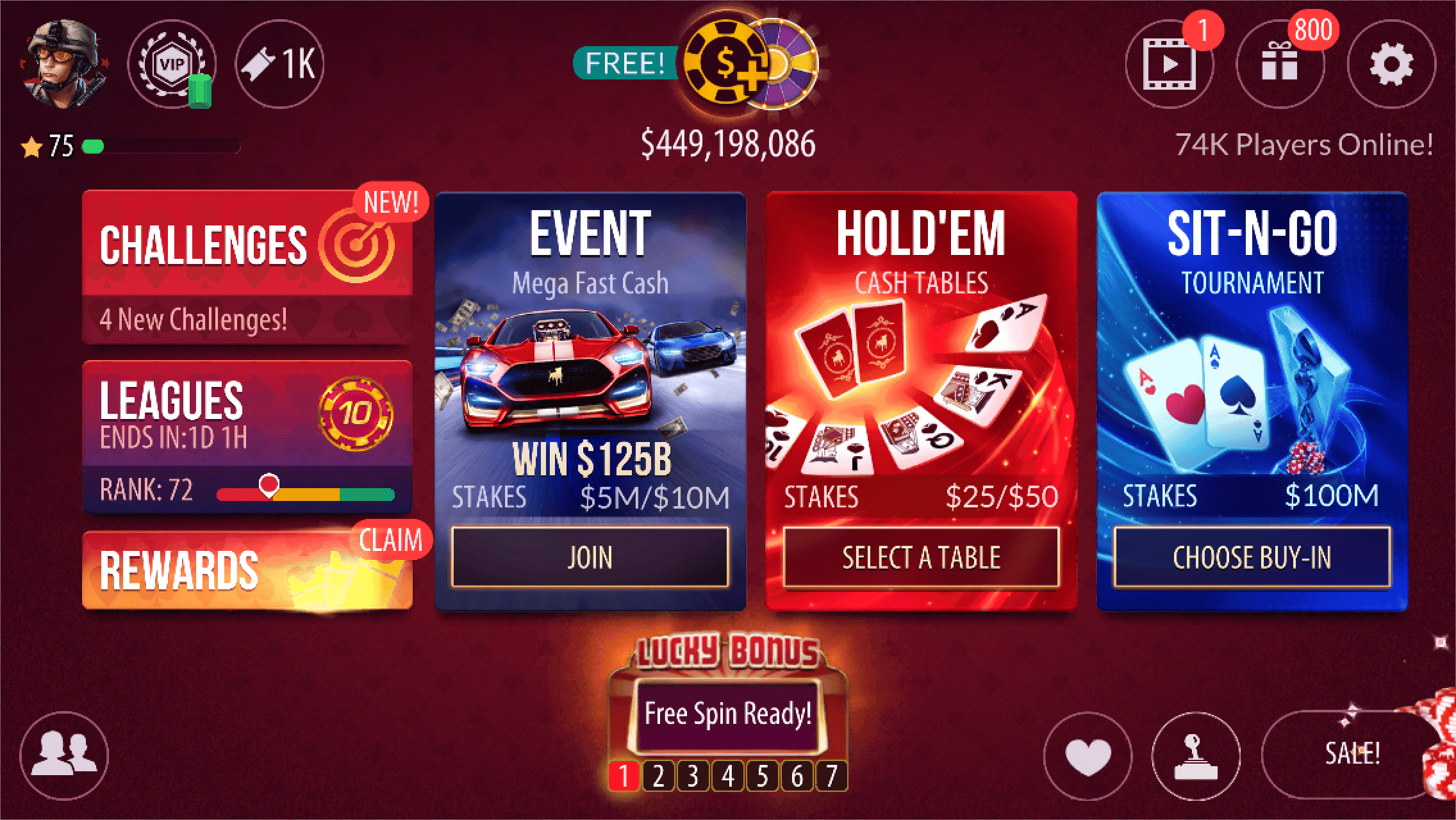
- Leagues, Challenges, the VIP Center, the store and the style guide.
- Results
- Leagues raised retention and revenue per daily player. Challenges raised retention, not revenue.
Poker Leagues
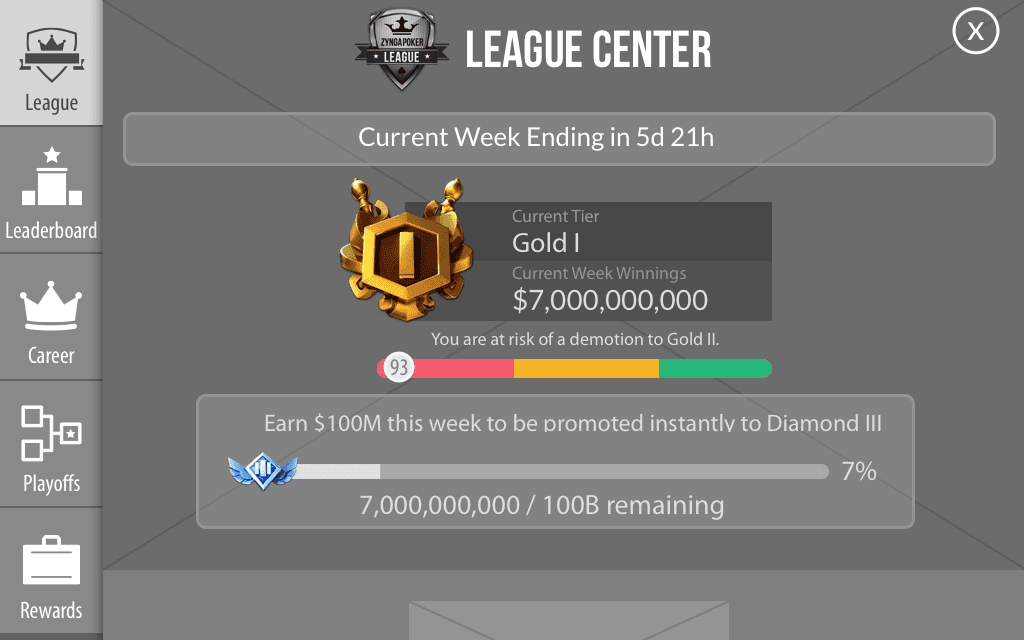
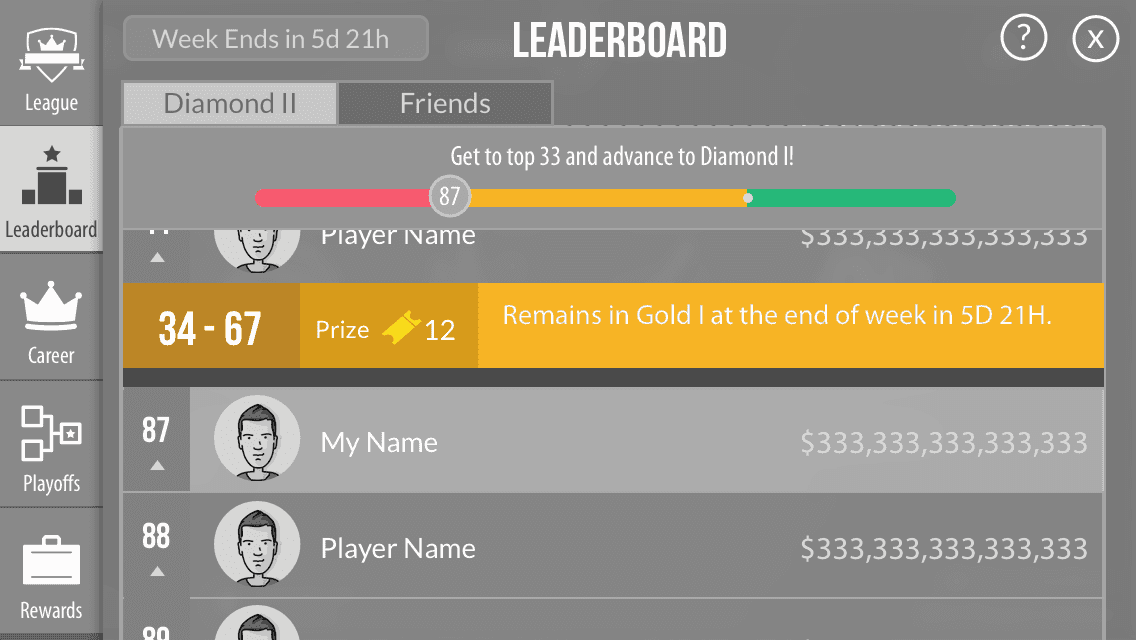
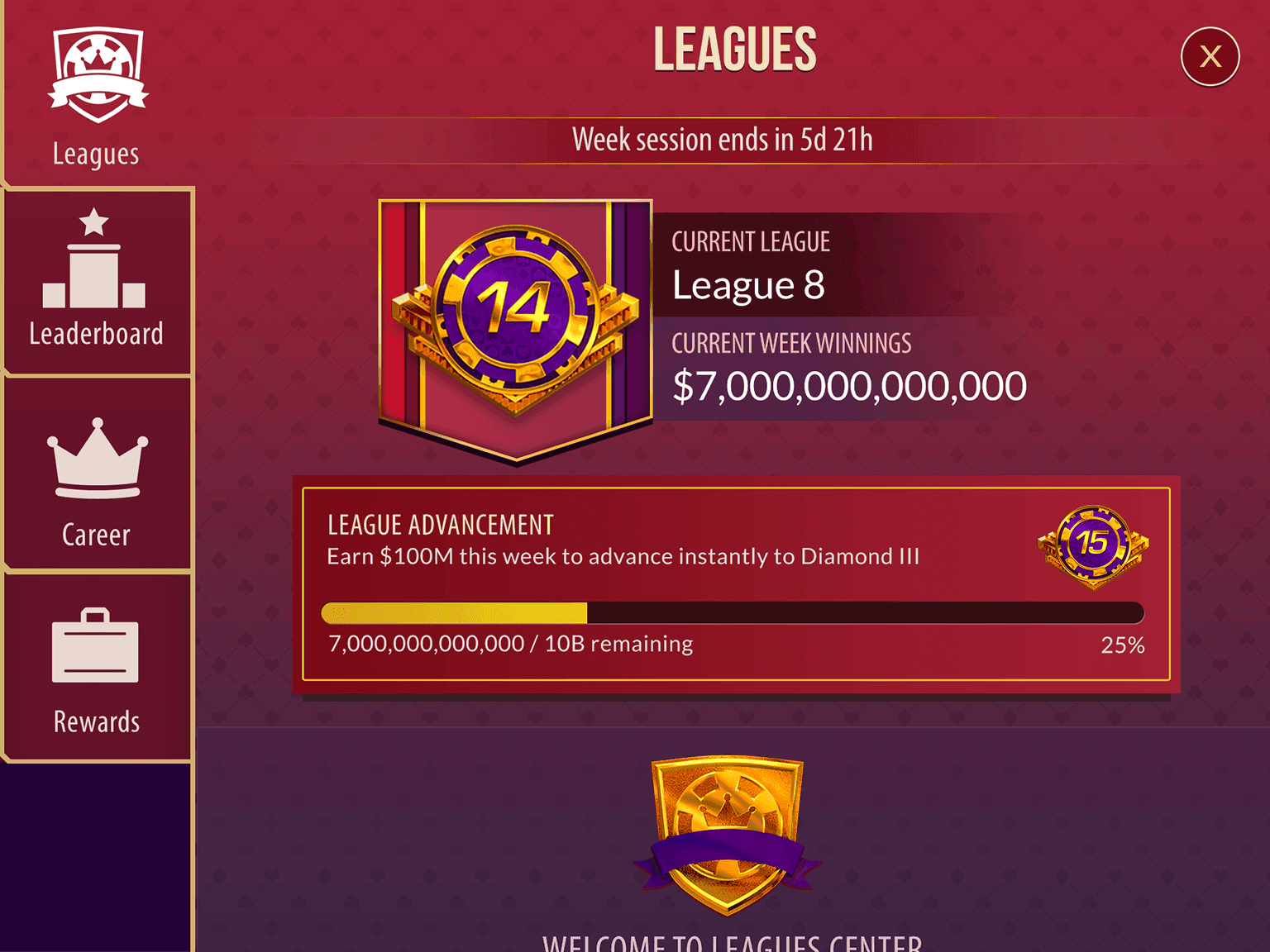
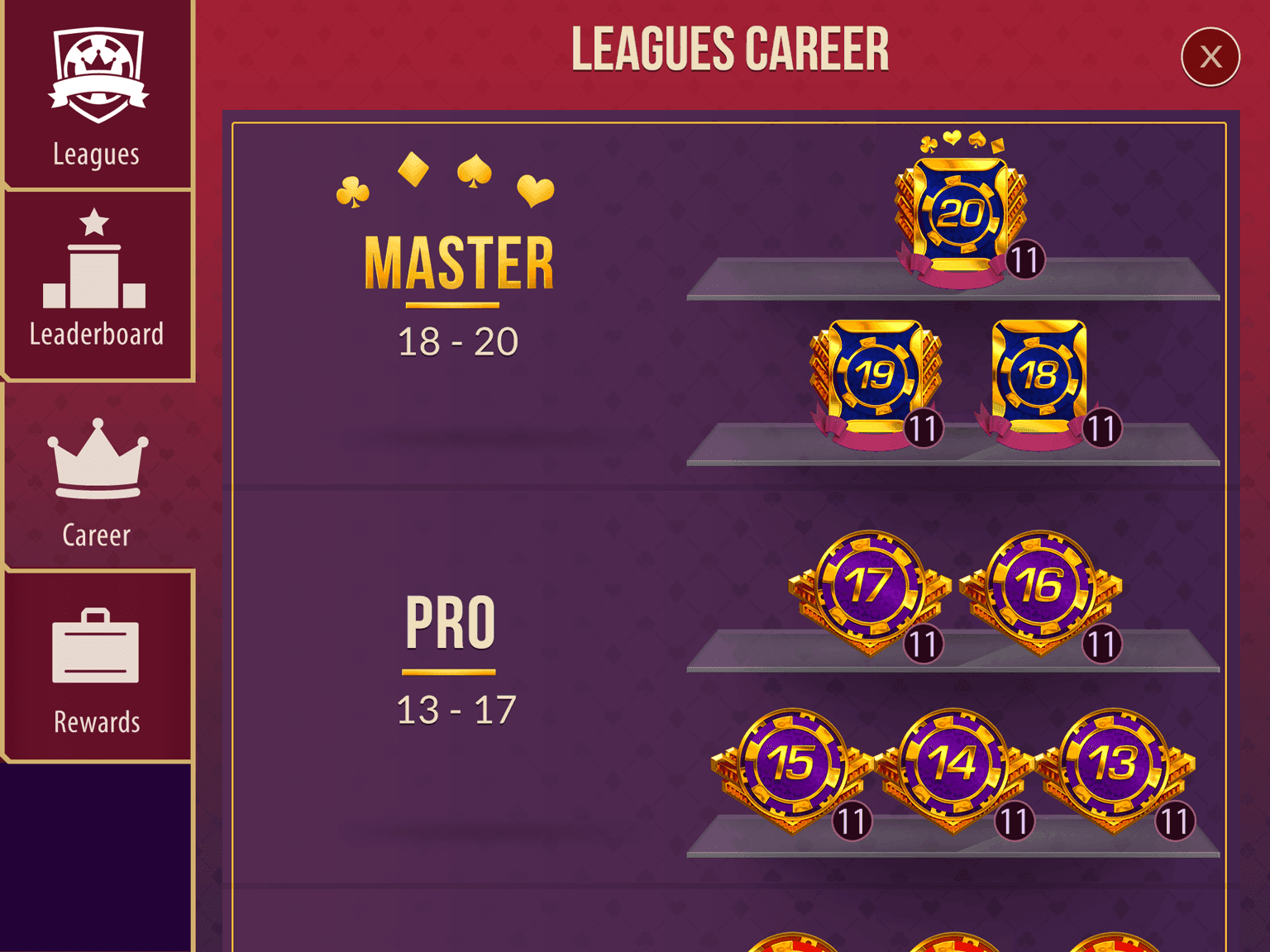
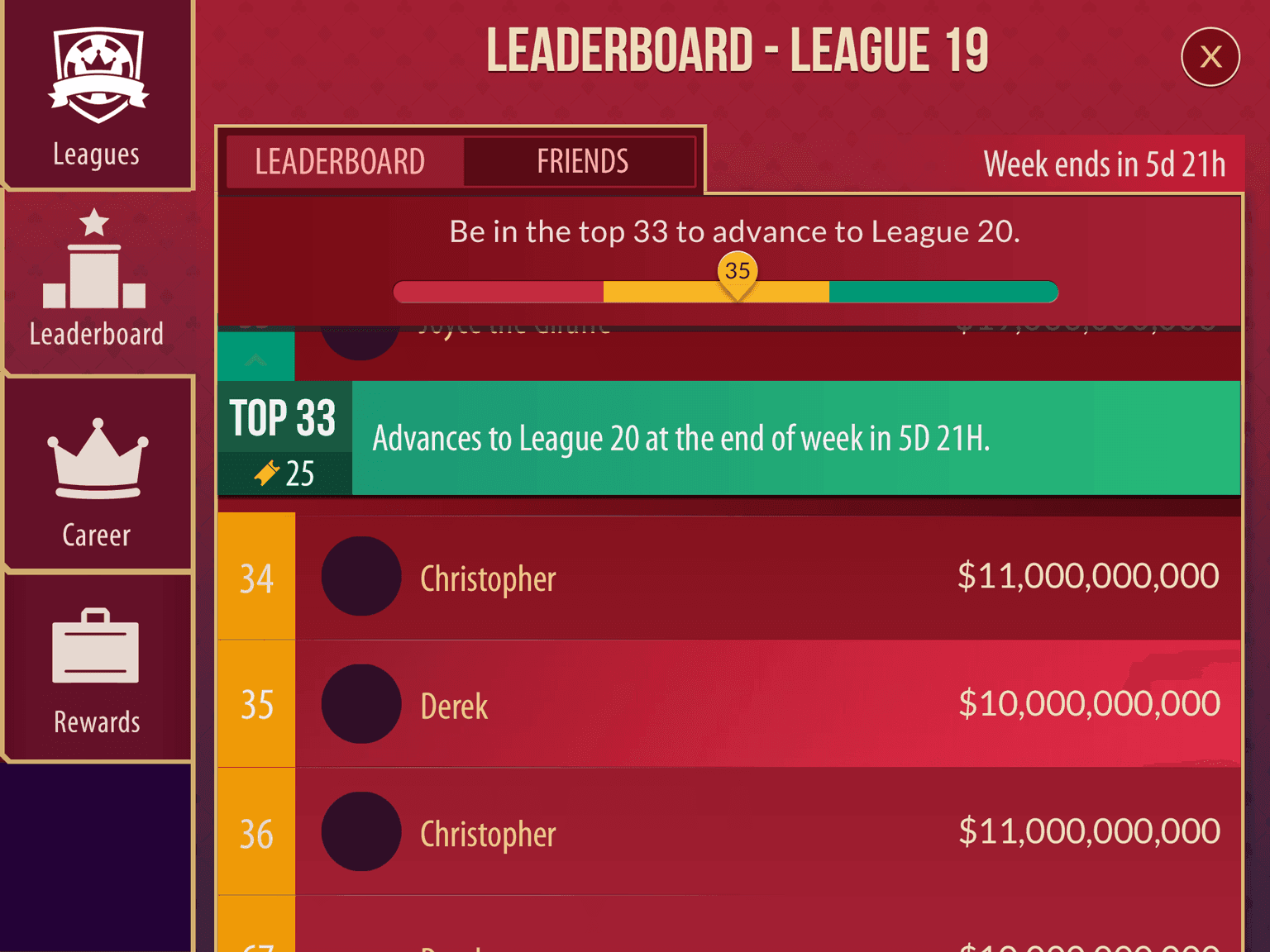
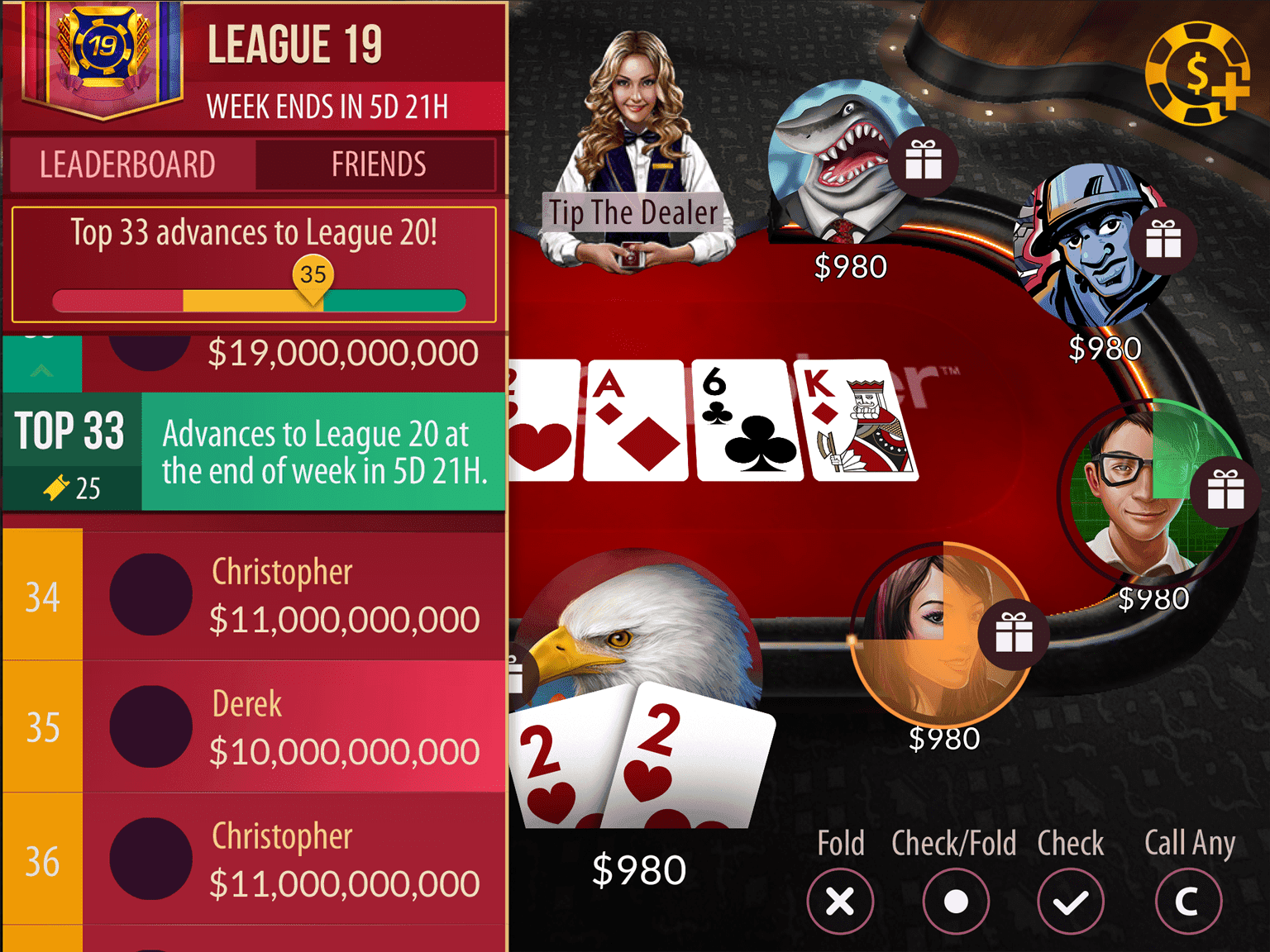
A league system to raise engagement, measured by hands played. Players compete to climb tiers, and highly engaged players are more likely to spend to stay in a league.
From requirements to screens
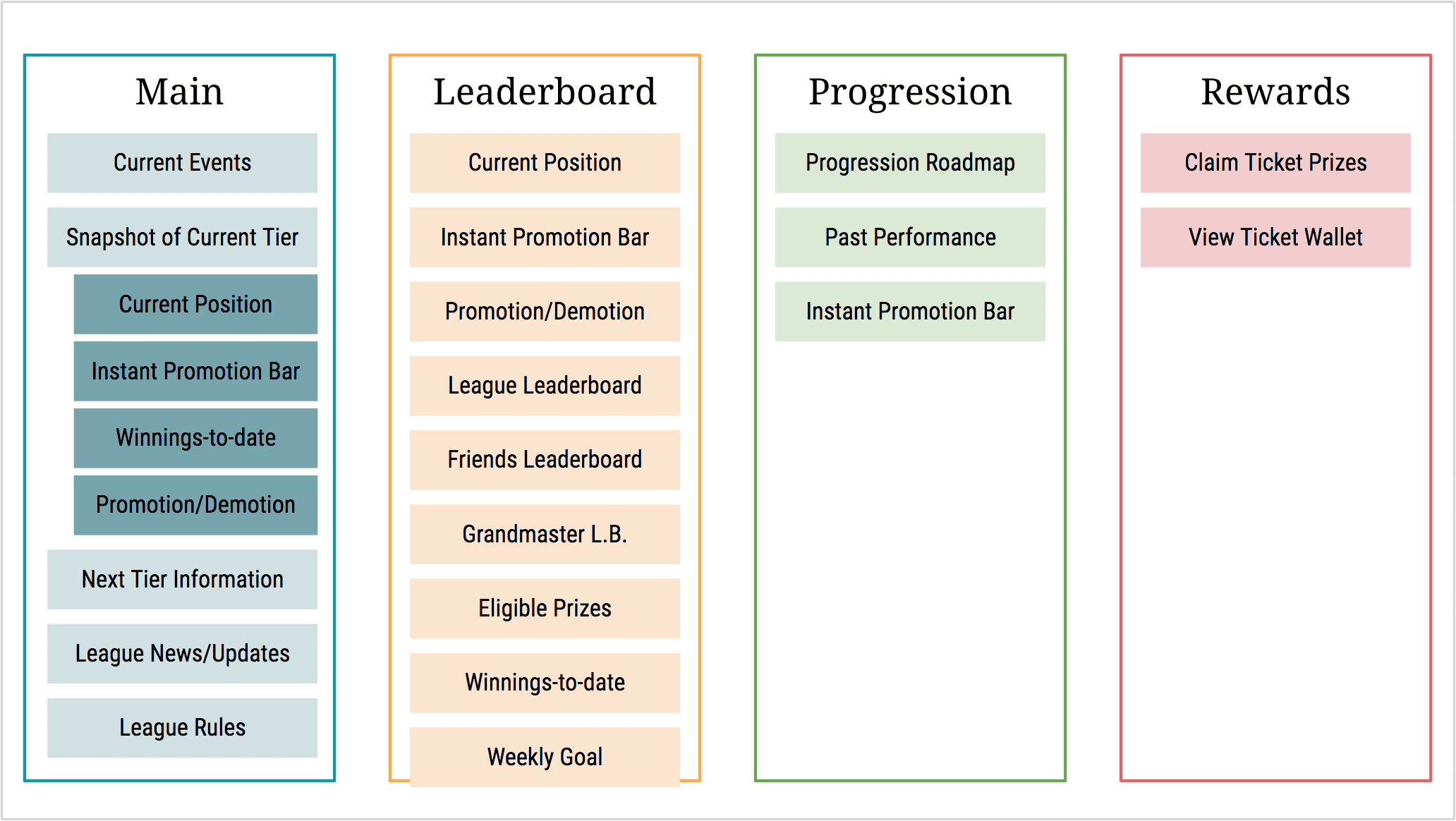
The team brainstormed player stories and requirements together. I sorted the requirements into groups, and the groups became the screens.




Impact
Leagues raised every KPI we tracked, which were retention, session play, hands played and revenue per daily player (ARPDAU).
The follow-up plan was an exclusive top tier, better prizes and more limited-time events.
Poker Challenges
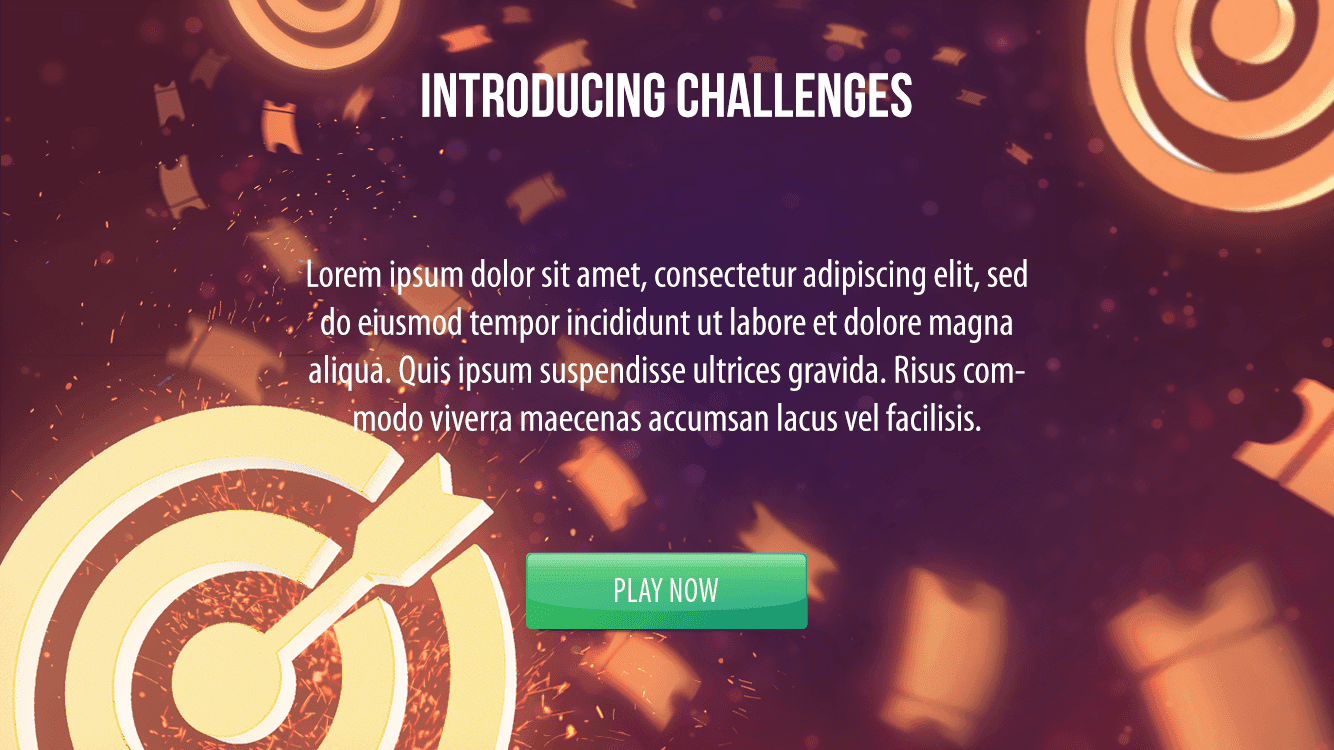
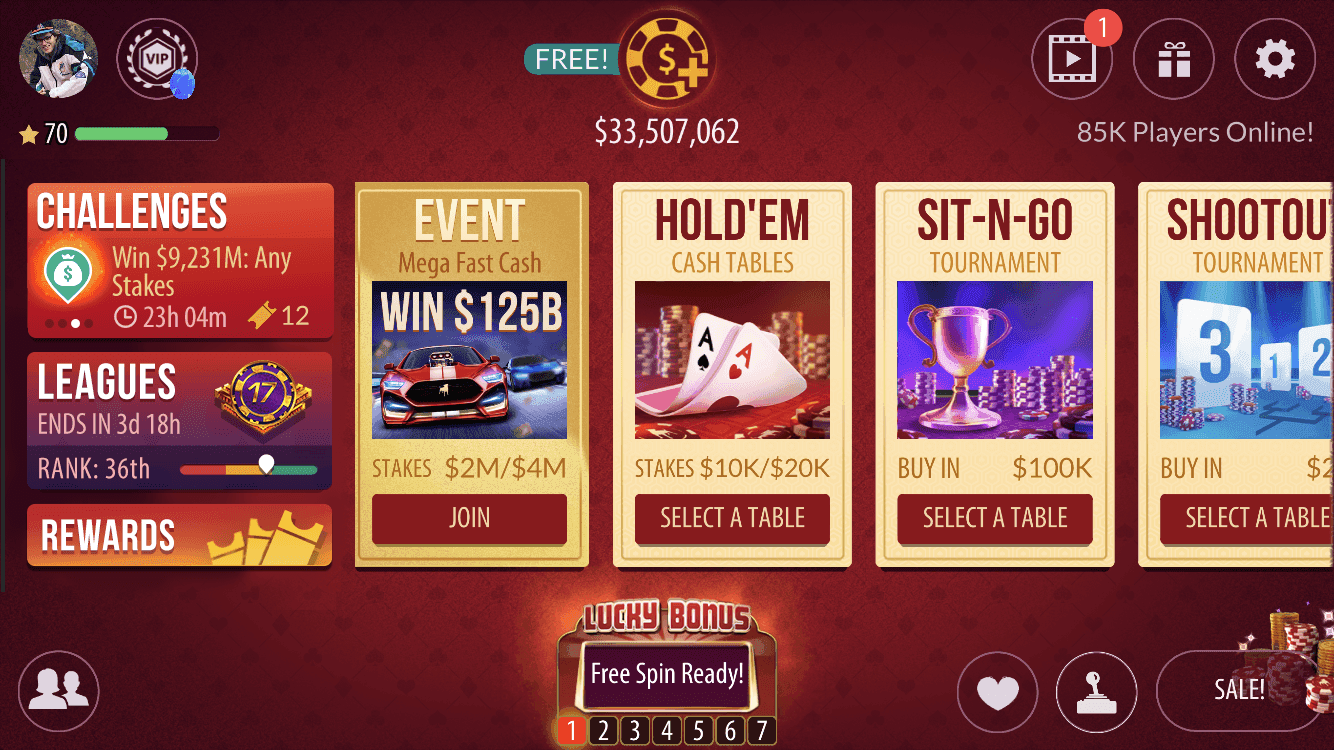
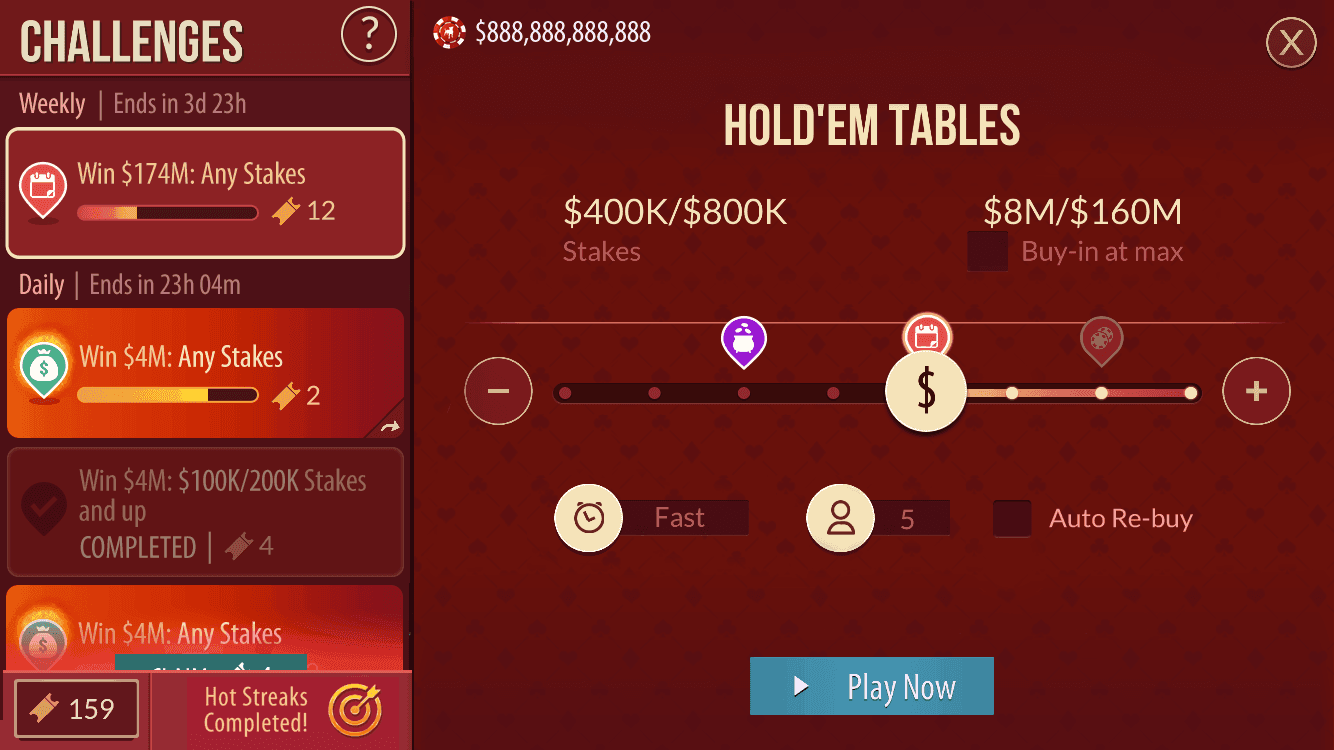
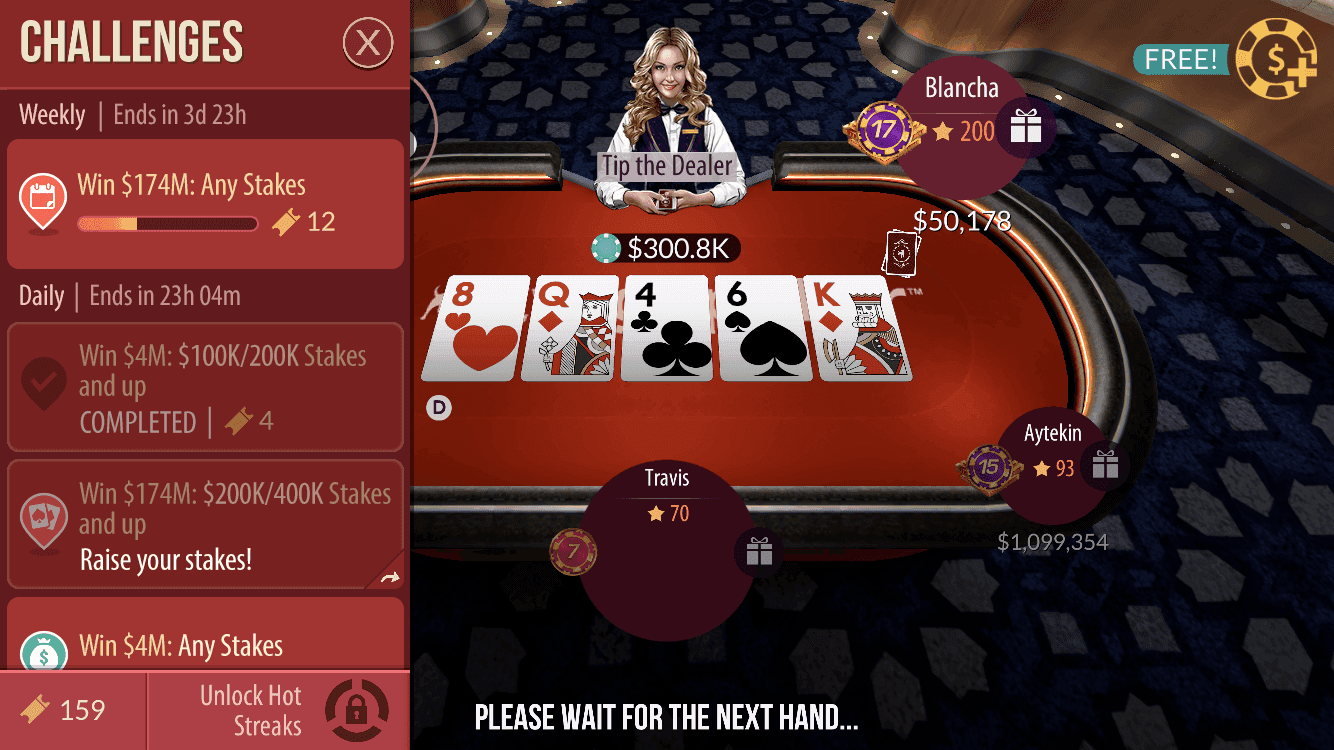
Every game needs objectives. Challenges gives players a tuned set of them, rewards each completed set, and then offers the next.
Impact
Retention rose at 1, 3, 7 and 30 days, and hands played rose with it. Revenue per daily player barely moved, probably because of too many prizes, which is easy to adjust.
VIP Center refresh
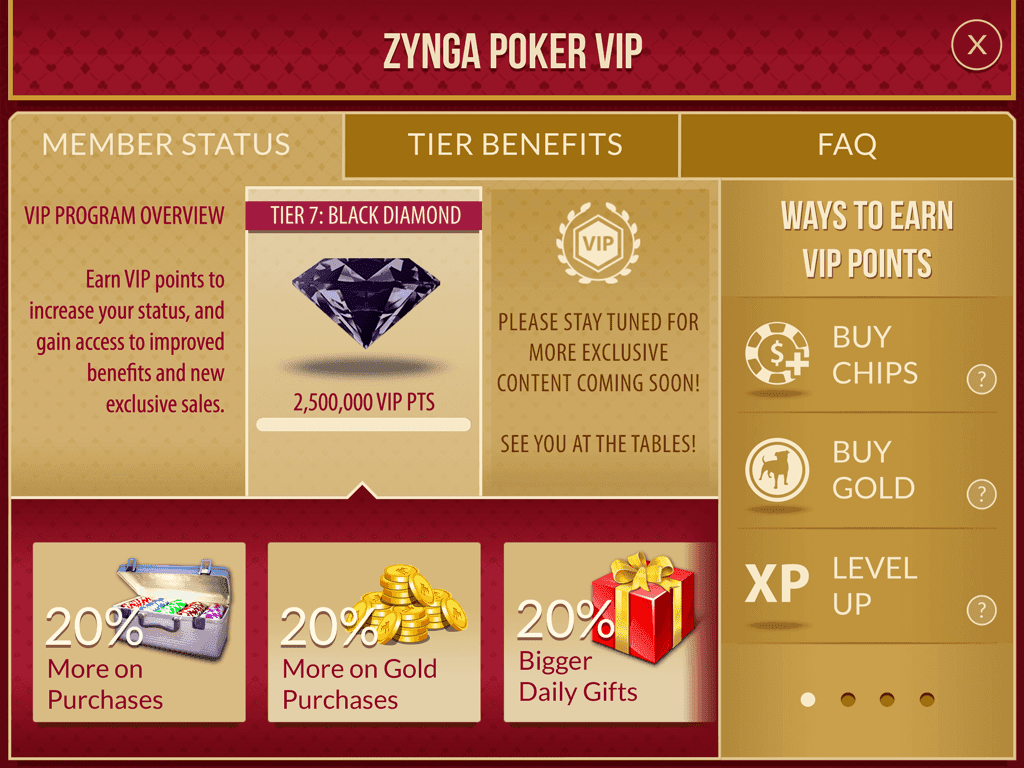
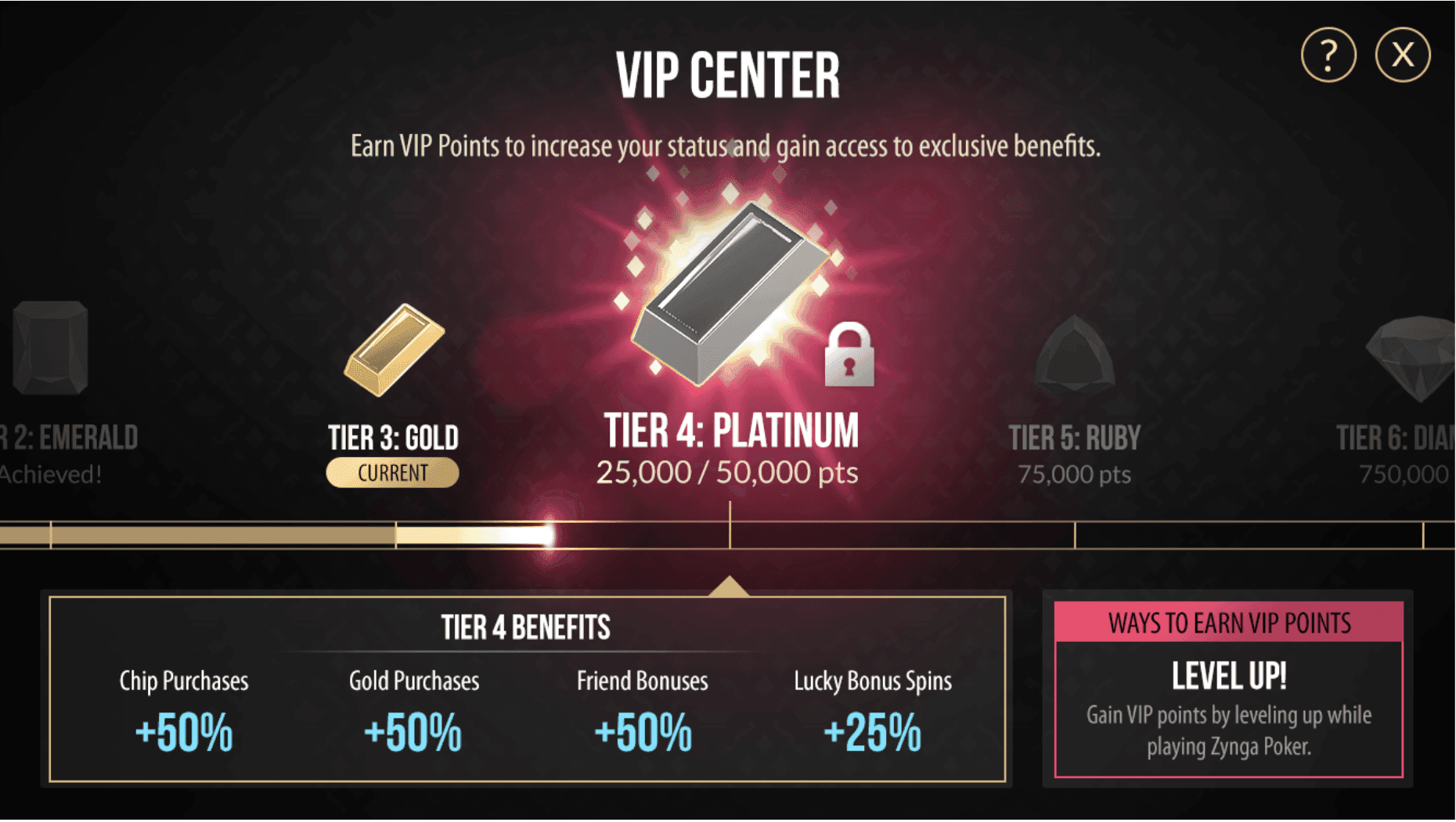
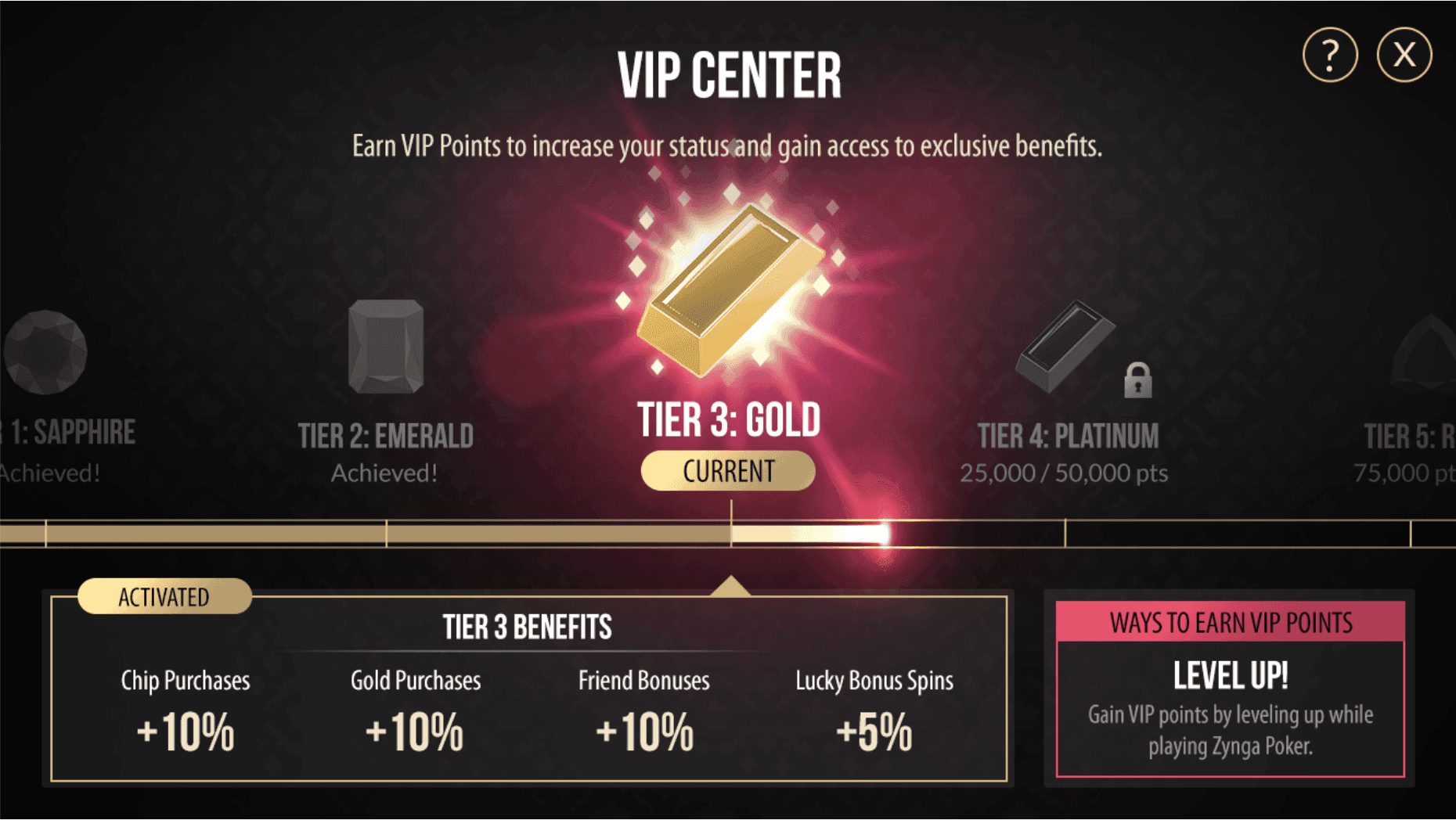
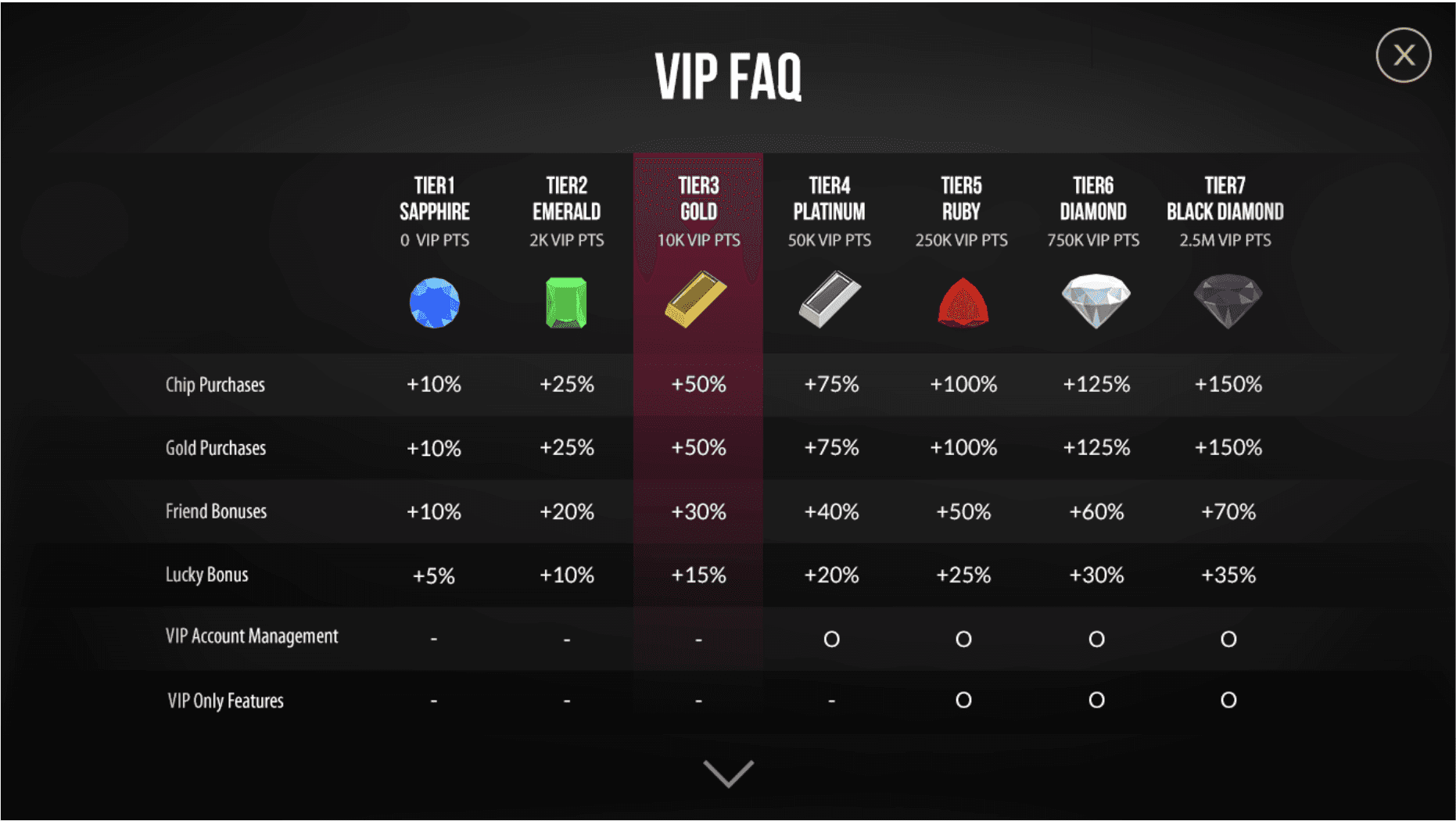
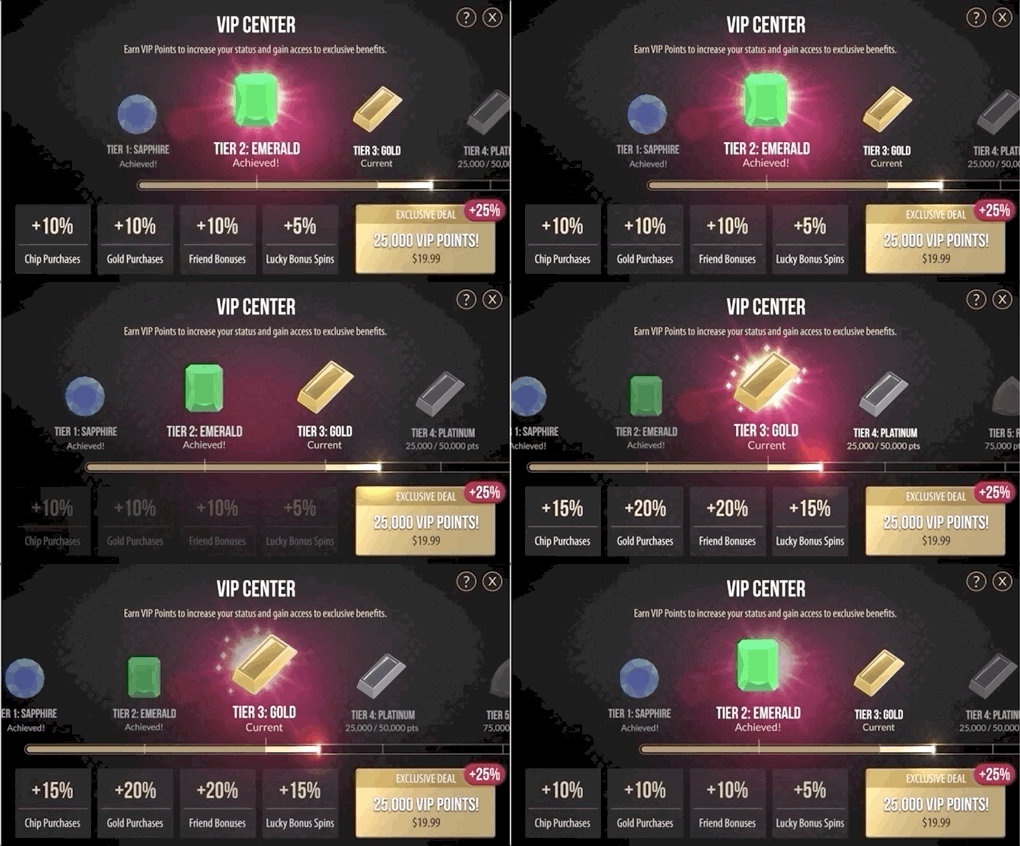
The VIP program gives the game's biggest spenders purchase perks and personal support. The refresh added new tiers and spelled the perks out more clearly.

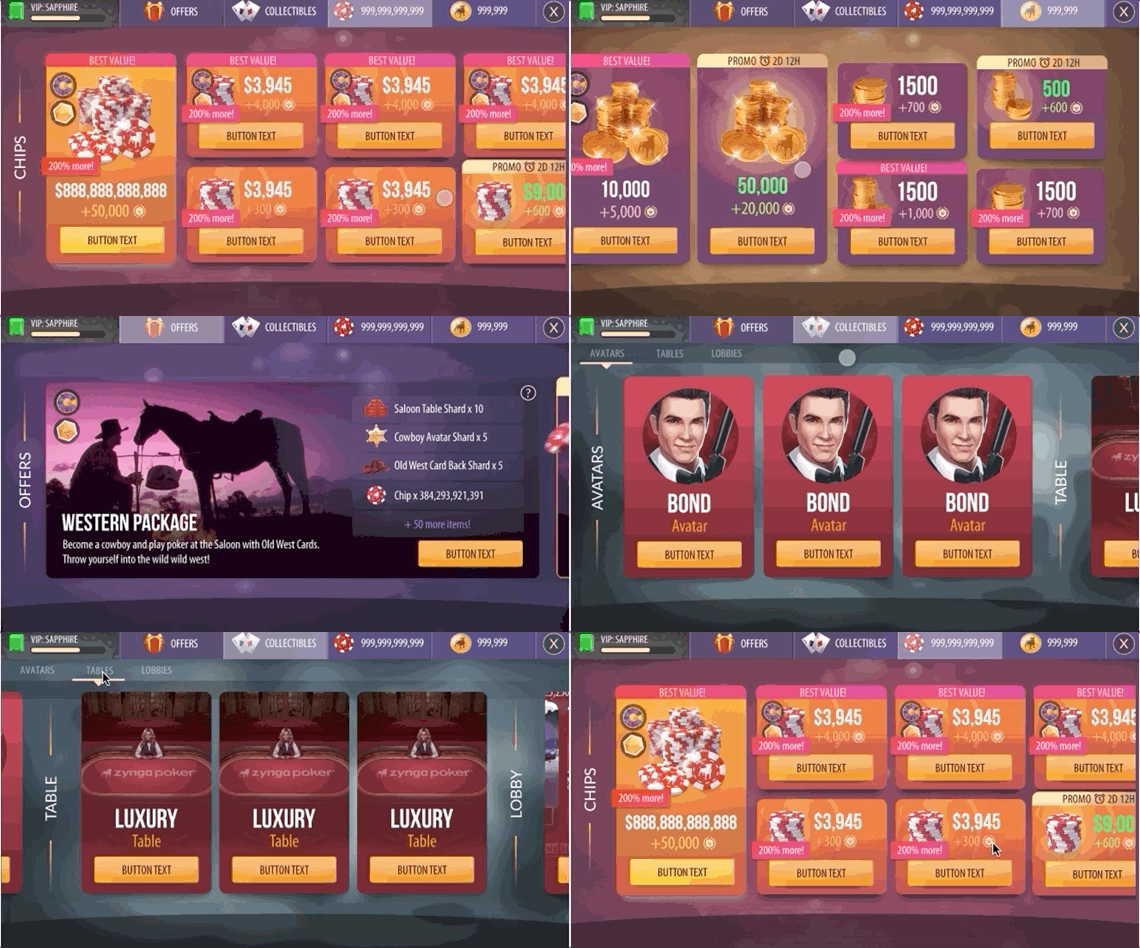
Purchase store
The old store was plain and left no room for new content.

Problems
- Vertical scrolling on a landscape screen left little room for art.
- The switch to the Gold page was hard to find, and players contacted support to ask how to buy Gold.
- Every package needed highlighting, and a narrow row has room for very little of it.
- Tap areas sat close together, so mis-taps were common.
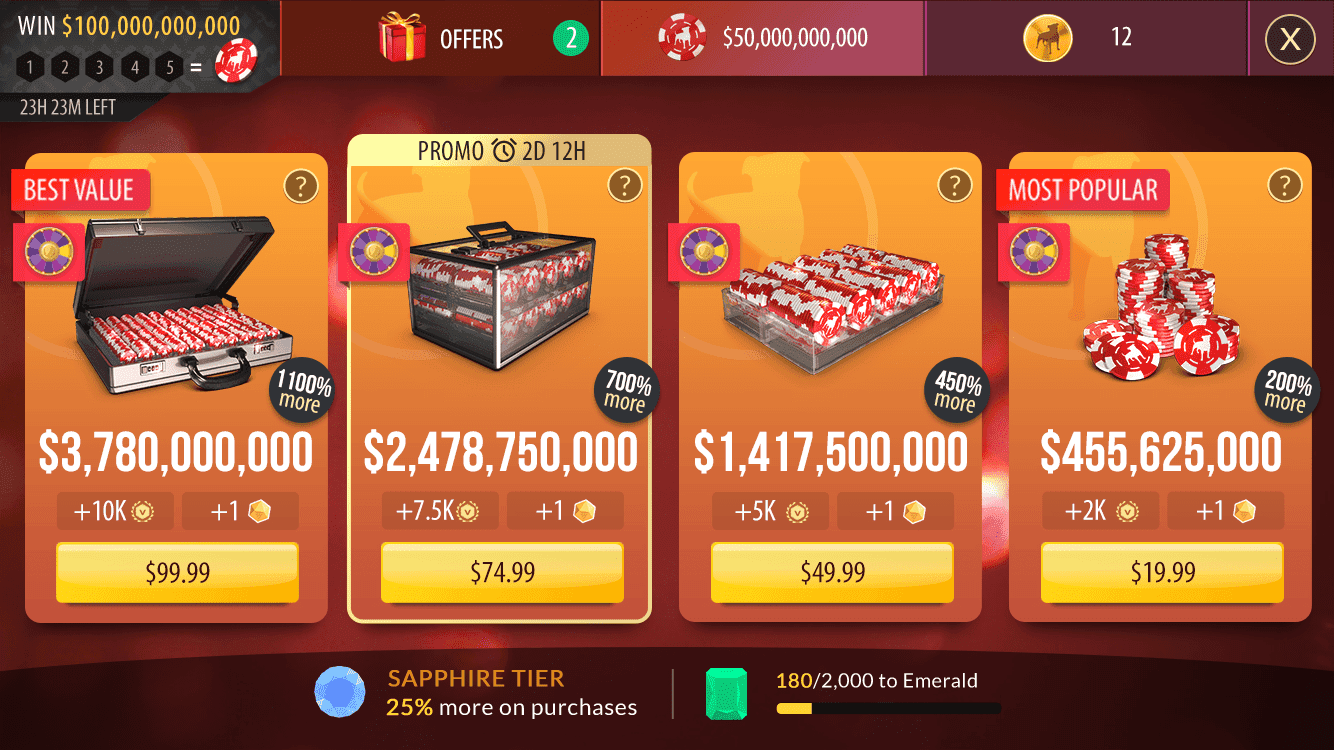
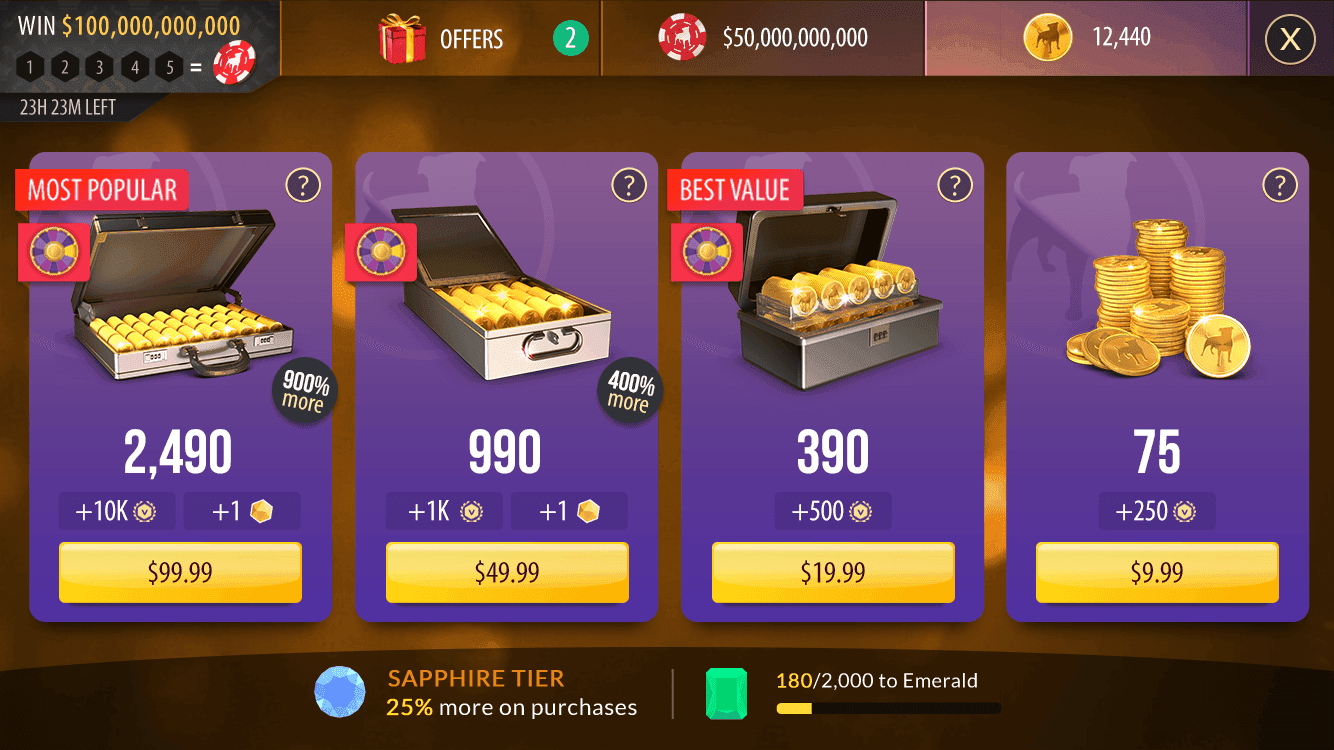
New design
- Horizontal scrolling to match the landscape screen.
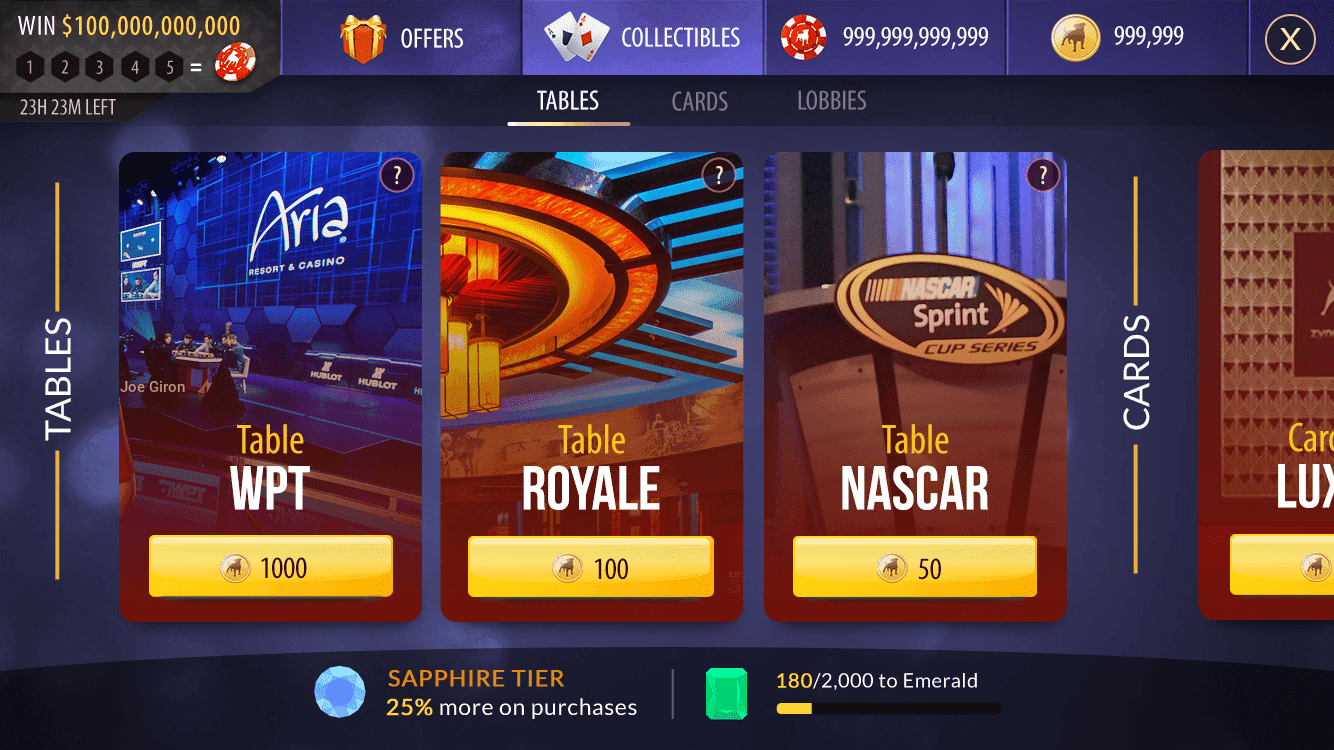
- Tabs that also show the wallet balance, with a tab of their own for special promotions.
- Larger cards for chip and gold packages, with room for bigger art and highlights.
- Bigger tap areas.

Style guide
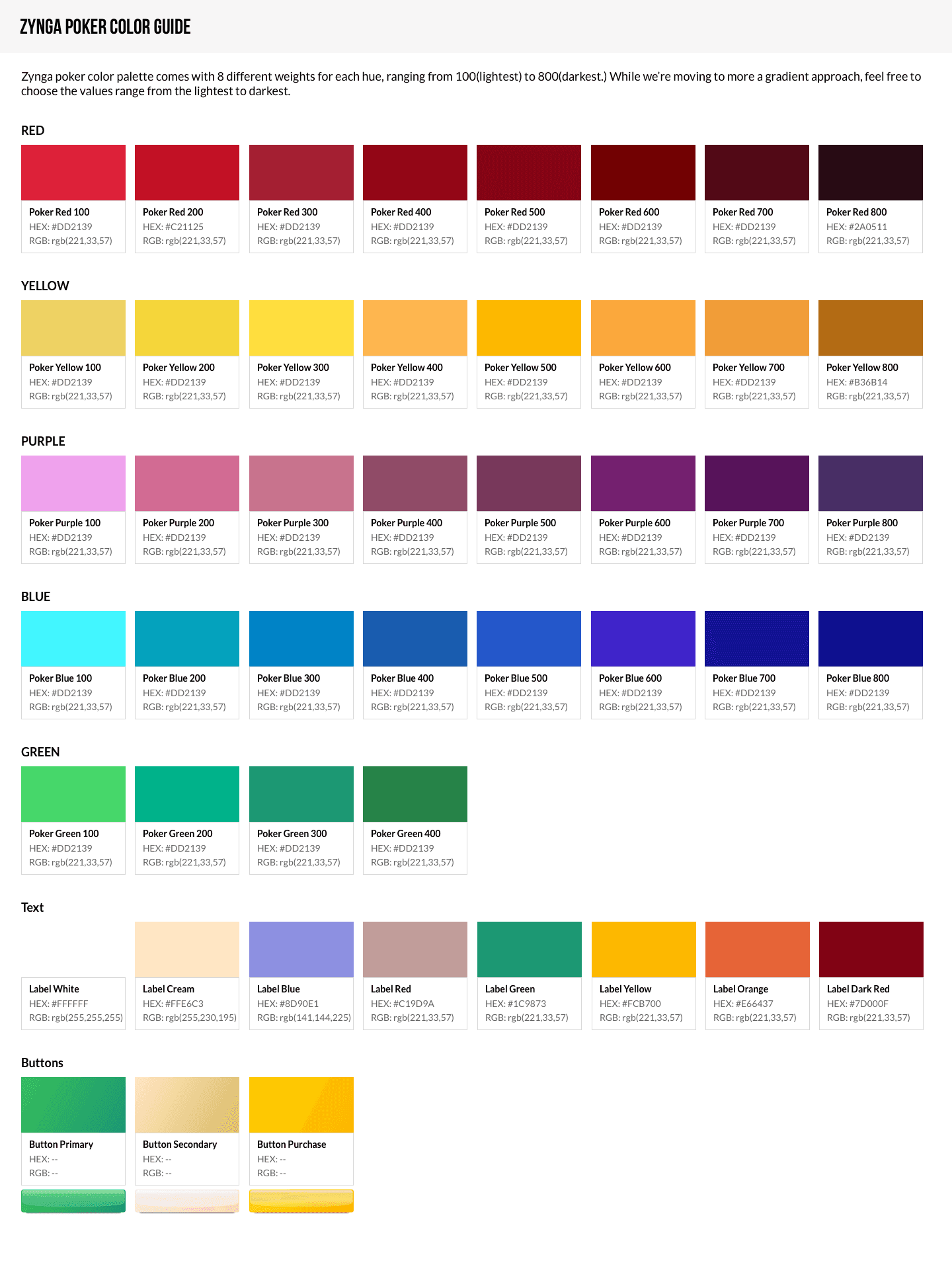
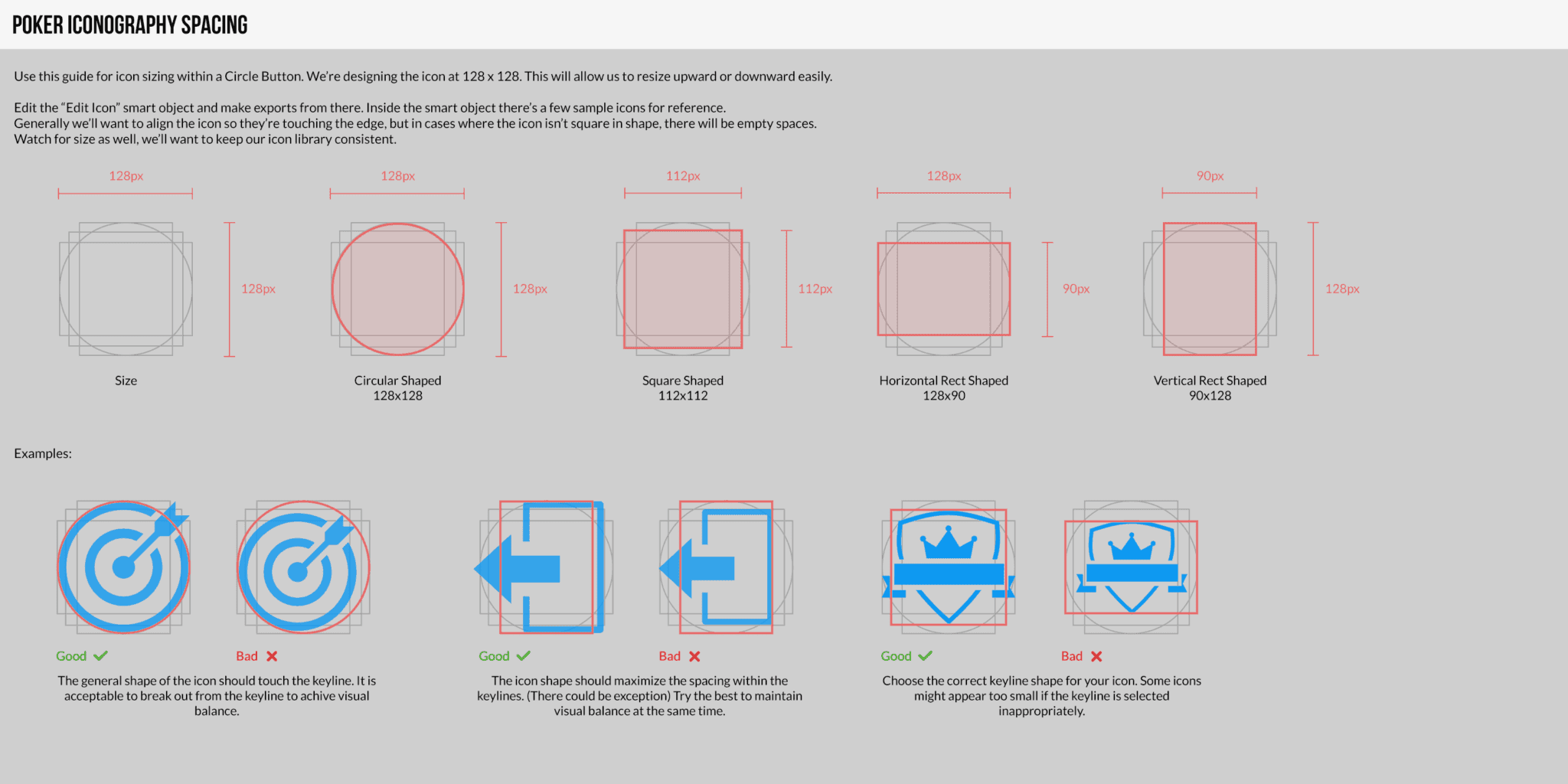
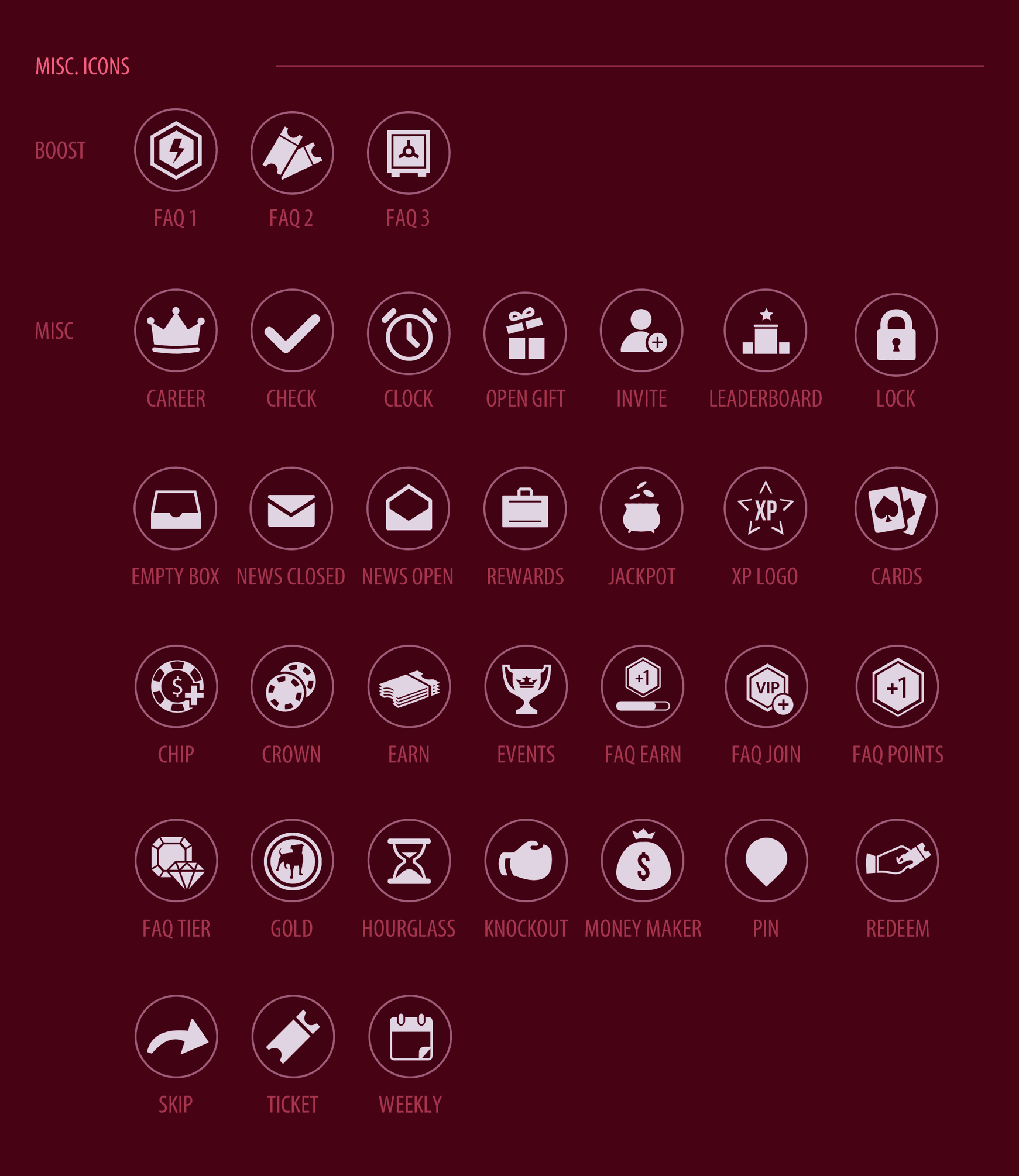
Without shared guides the game would have drifted visually. Our team unified its visual language.